Invoice QR Card — Share Your Billing Details
Share your company and invoice contact details by scan.
An invoice card carries your company details and a QR code that saves those details to the other side's contacts in one scan: company name, tax office and number, address, phone and email. Attach it to an invoice or hand it over and the accounts payable side has everything it needs without retyping a single line. The template puts your logo, company name and tax details up top and your address at the bottom, exactly where a professional invoice expects them.
Templates
Pick a style, add your logo and details, download print-ready.
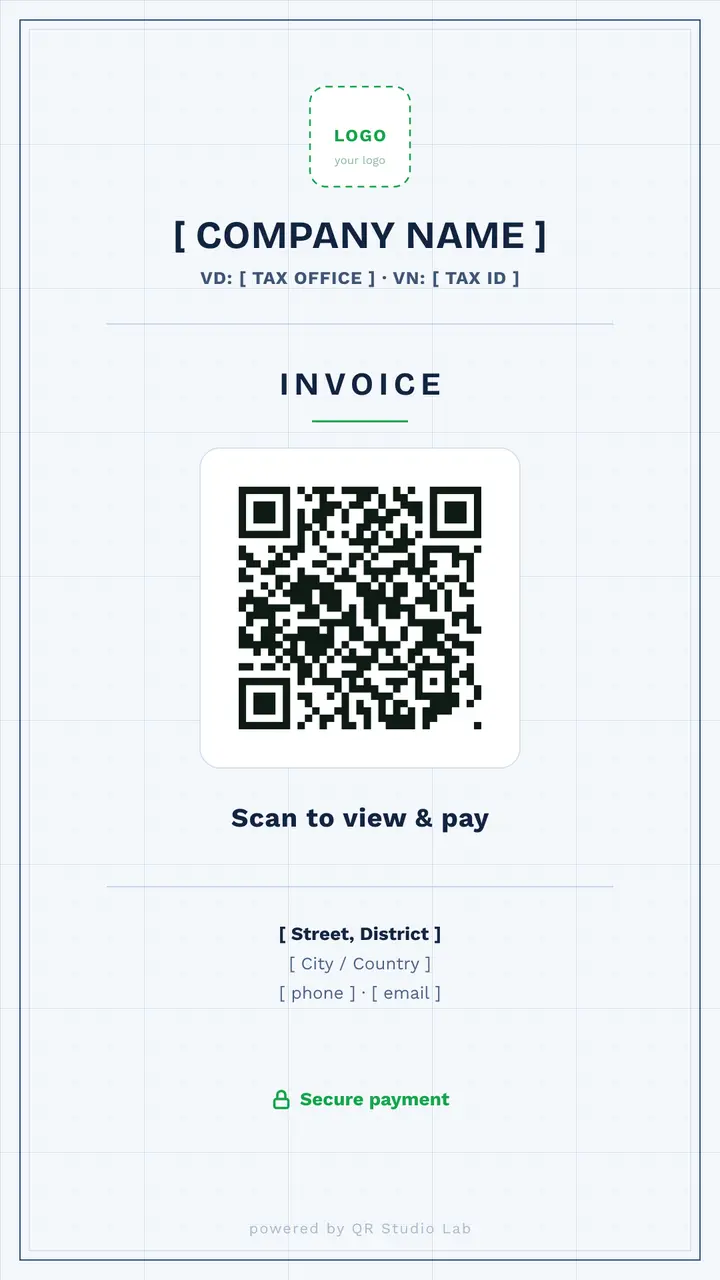
Light
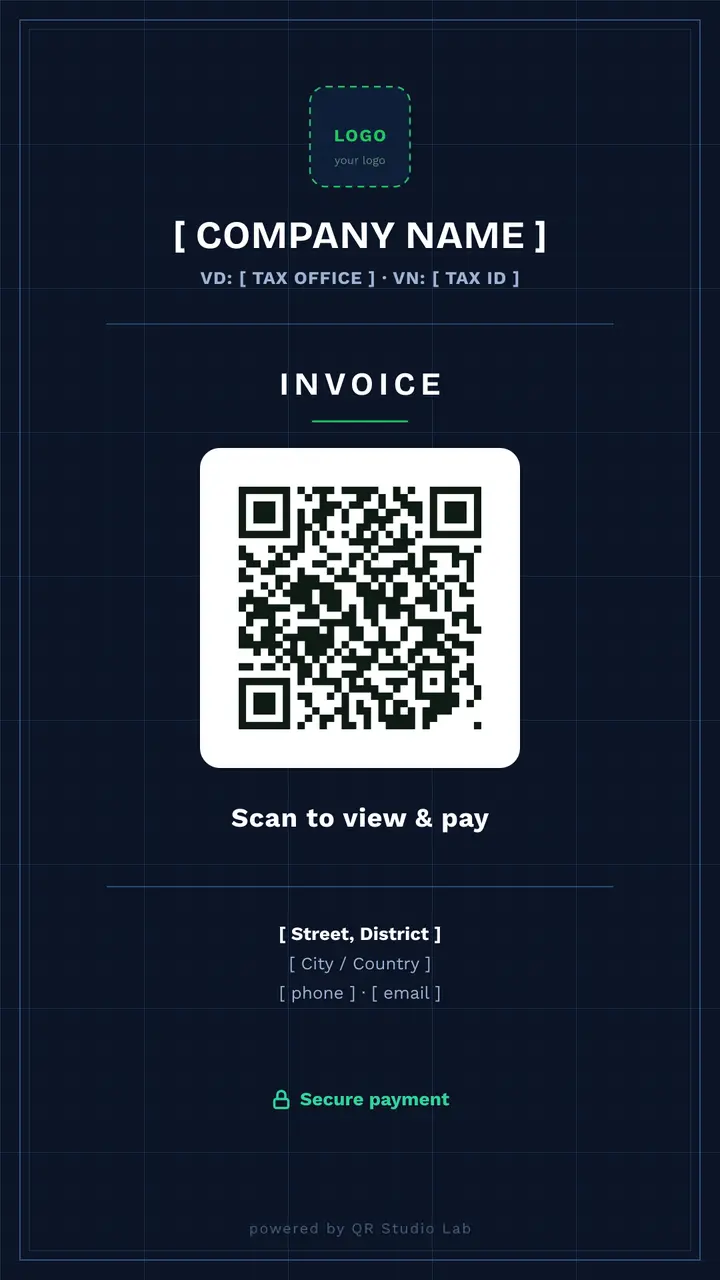
Dark
How it works
Pick a light or dark template and add your logo, company name and tax details.
Fill in your address, phone and billing email; the QR code is built from those fields.
Download, attach it to the invoice or hand it over.
Where it works
Freelancers & agencies
Attach the card to every invoice so your billing details land in the client's contacts.
Trades & on-site services
Leave a card after the job with the details the office needs to process it.
Small businesses
A branded card that replaces reading company and tax details out loud over the phone.
Frequently asked
What is inside the QR code?
A contact record built from the fields you filled in: company name, tax office and number, address, phone and billing email. Scanning offers to save it to contacts.
Can I put a payment link on it instead?
Not from this editor, which builds a contact record. If you want a card that opens a payment page, create a URL QR code in the generator with your provider's link and place that code on your own layout.
Is it secure?
The code contains only the business details you typed. No banking or card data is involved, and nothing is transmitted to us when the card is scanned.