
A review card sits on your counter or table so a customer can reach your public review page in seconds. They scan the QR code, the page you linked opens, and the rest happens on that platform. No searching for your business, no typing your name. Print it, stand it up, and put the ask in front of people while the visit is still fresh.
Templates
Pick a style, add your logo and details, download print-ready.
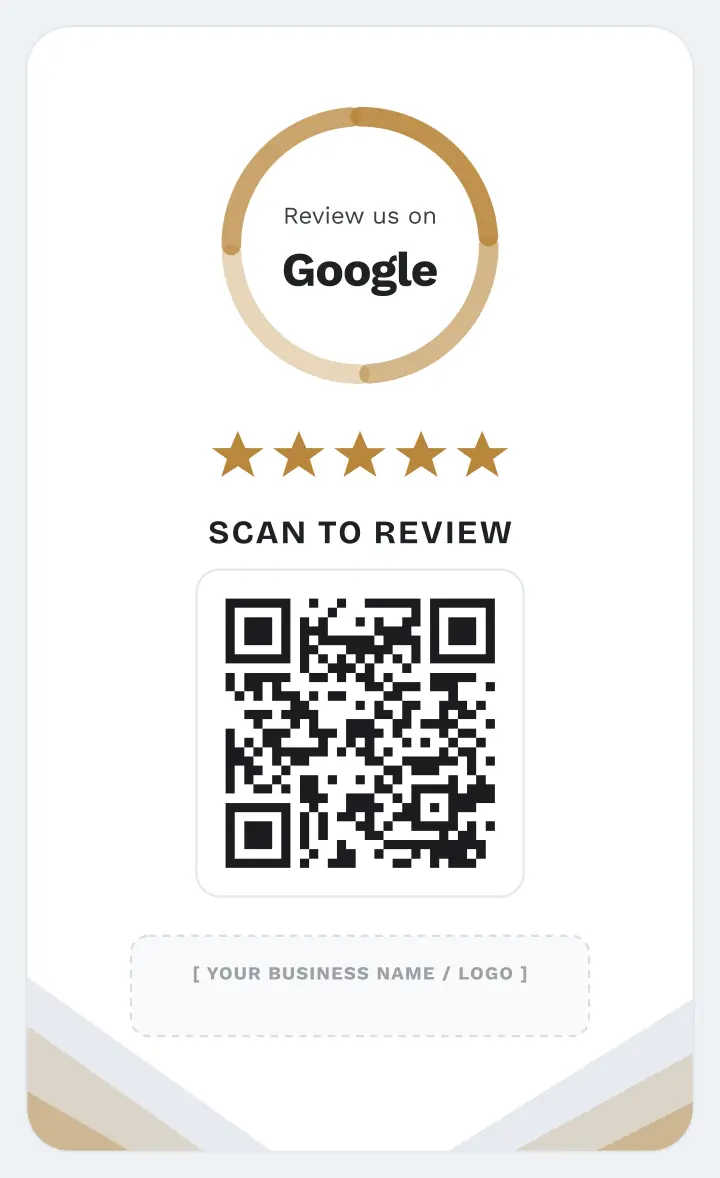
Light
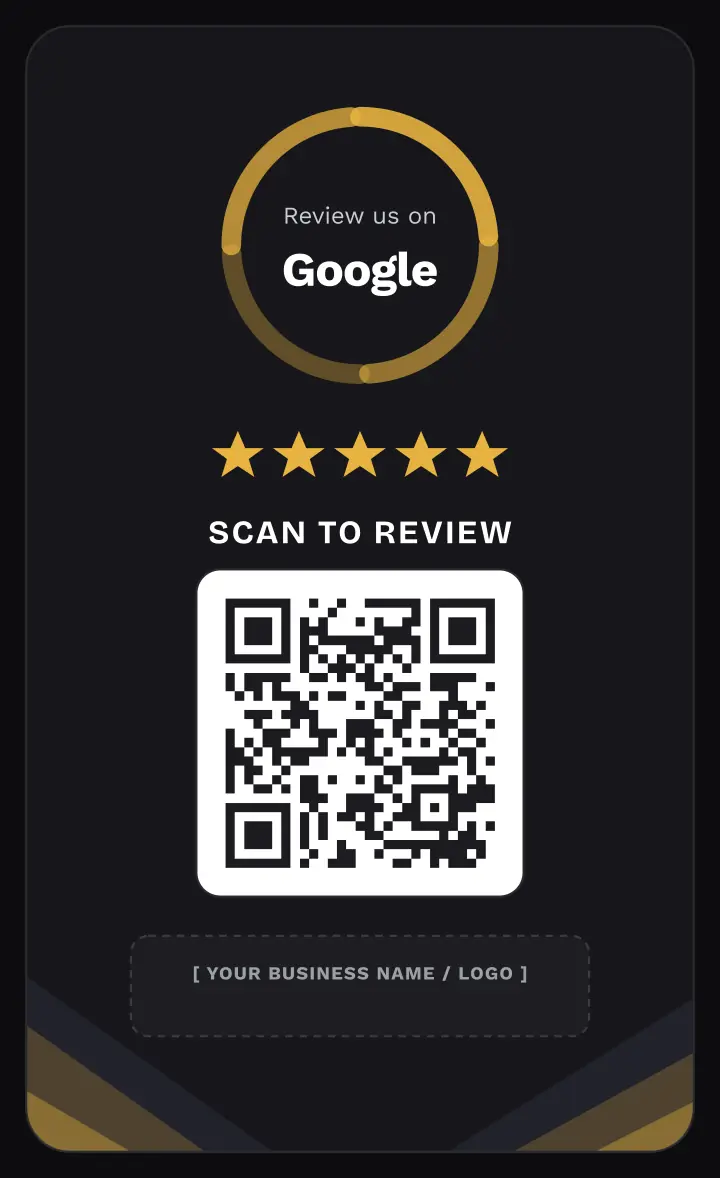
Dark
How it works
Pick a light or dark template and add your logo and business name.
Paste the link to your public review page and the QR code points straight to it.
Download a print-ready file and place it at the counter.
Where it works
Restaurants & cafés
Drop it on the table or by the register so diners can reach the page before they leave.
Salons & clinics
Hand it over at checkout and the review page opens on the client's own phone.
Tradespeople & services
Keep one in your kit so the page is one scan away while you are still on site.
Frequently asked
Does the customer need an app to scan it?
No. Every modern iPhone and Android camera reads QR codes natively — they just point the camera and tap the link that appears.
Is filtering bad reviews allowed?
No, and we do not do it. Review gating is against the policies of every major review platform. The card sends every customer to the same public page, whatever they intend to write.
Can I change the link later?
The card encodes the link you enter, so changing it means generating the card again. If you need one printed code you can re-point later, create a dynamic QR code in the generator and put that link on the card.
Is this made by Google?
No. qrforprint is not affiliated with, endorsed by, or sponsored by Google. The card simply opens a public review URL you supply.